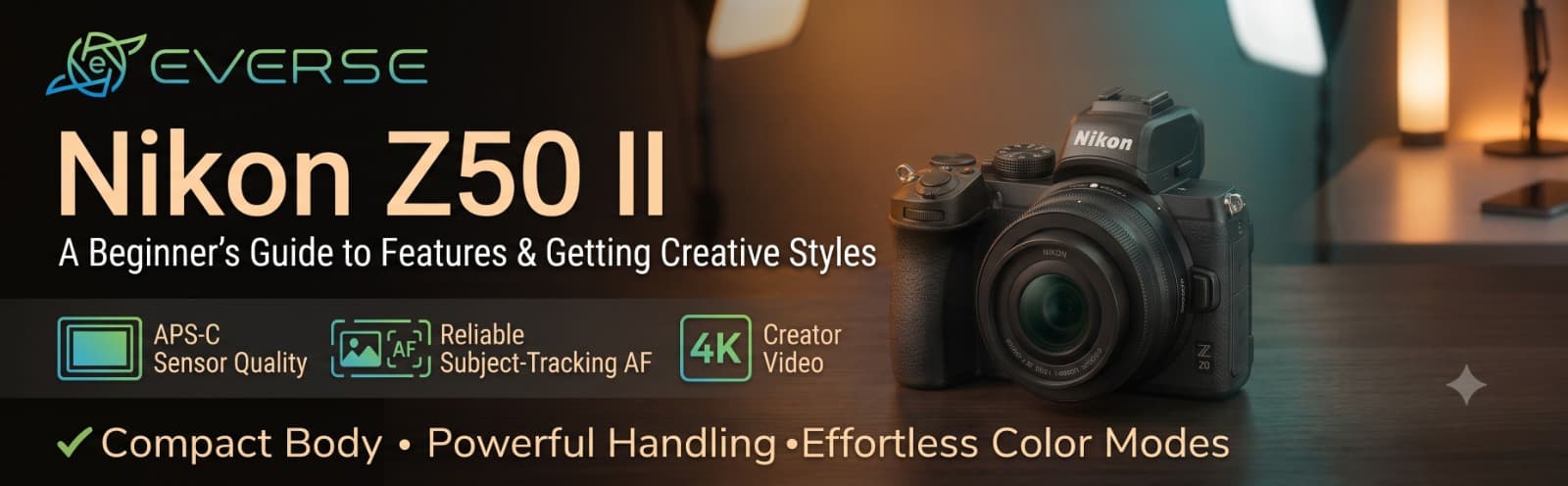
Nikon Z50 II: A Beginner's Guide to Features and Getting Started
Your phone takes brilliant pictures. You know it, your followers know it, and yet some shots still feel flat: the background won't blur properly, the zoom looks digital and soft, and moving subjects slip out of focus right when it matters.
That's usually the moment people start looking at their first proper camera. The Nikon Z50 II is one of the most talked-about choices at that stage, so let's walk through what it offers, what it doesn't, and how to get started.
You might assume dedicated cameras are fading. The data says otherwise. CIPA's figures show that digital camera shipments grew 11% in 2025, following growth in 2024, and that mirrorless models keep rising while DSLRs shrink. Notably, most of the interchangeable-lens cameras sold are now APS-C or Micro Four Thirds rather than full frame.
The Z50 II sits right in that sweet spot. It's compact, relatively accessible and aimed at people stepping up from phones.
Here's something many reviews bury. The Z50 II uses the same 20.9-megapixel DX sensor as the original Z50. The real upgrade is the processor: it's Nikon's first DX camera with the EXPEED 7 engine, the same one in the Z8 and Z9. TechRadar's review calls that chip a major reason the camera feels fast and flagship-like.
In plain terms: you aren't buying a new sensor, you're buying much smarter autofocus, plus some creator-friendly extras.
The Z50 II uses 209 AF points and recognises subjects including people, dogs, cats, birds, cars, motorcycles, bicycles, trains and aeroplanes. In Auto mode, Nikon says its deep-learning system analyses the subject and scene to adjust focus, flash and exposure automatically.
For a beginner, that means you can spend less time fighting the focus point and more time composing.
It's also a neat real-world example of machines learning to interpret what they see. If that fascinates you, our explainer on how robots use LiDAR and cameras to understand the world covers a related idea in robotics. The Z50 II uses image-based recognition rather than LiDAR, but the principle of software making sense of a scene is similar.
The camera records 4K at up to 60p and Full HD at 120p, which suits YouTube, reels and slow-motion clips. The vari-angle screen flips out so you can frame yourself, which matters for solo creators.
But you should know:
- 4K 60p comes with an extra crop. Reviewers note that it applies a 1.5x crop on top of the DX sensor's own crop, so your wide shots get tighter
- There's no in-body stabilisation. The spec database lists no sensor-based image stabilisation, so walking shots benefit from stabilised lenses, electronic stabilisation or a gimbal
Neither is a dealbreaker, but both are worth knowing before you spend.
- A brighter electronic viewfinder, about twice as bright as the original Z50's, helps in harsh Indian sunlight
- A dedicated Picture Control button lets you change the look of your photos quickly
- Imaging Recipes can be downloaded as ready-made styles, which is useful if you don't want to edit every shot
- SnapBridge makes it easy to move pictures to your phone for quick posting
- Charge the battery and format a UHS-II or fast SD card in the camera
- Update the firmware before your first real shoot
- Attach a lens and start in Auto, so you can watch how the subject detection behaves
- Switch to Aperture Priority once you feel comfortable, and try a wide aperture for blurred backgrounds
- Shoot the same scene three ways: wide, close and from a low angle, then compare
That last exercise teaches more than any manual.
The Z-mount lens range is growing, and you can adapt older F-mount lenses with the optional FTZ adapter. A simple way to start:
- Kit zoom: the most flexible choice for travel and everyday use
- Wide-angle: good for interiors, architecture and landscapes
- Fast prime: great for portraits and low light
Buy one lens, learn it well, then add the next one when you can name what's missing.
Better pictures won't save a video with muddy audio. A wireless microphone is often the best add-on for talking-head content. And if you shoot adventure or water scenes, our guide to action camera versus smartphone explains when a rugged second camera makes sense alongside a camera like this.
-
You are moving up from a phone and want better photos and video
-
You want fast, smart autofocus without learning everything first
-
You need in-body stabilisation for handheld video
-
You value a compact body and a growing lens ecosystem
-
You record yourself and need a flip-out screen
-
You mainly shoot rugged, wet, or helmet-mounted footage
-
You need a full-frame sensor or the best low-light performance
-
You only want quick reels edited and posted from your phone
The Z50 II isn't the most dramatic camera on the shelf. It's a well-judged one: a proven sensor, a flagship-grade processor, strong autofocus and a friendly body that grows with you. If you're ready to move beyond your phone, it's a sensible place to begin.
At Everse, we offer cameras, lenses and accessories for photographers, videographers and creators across India. Tell us what you shoot and where you want to get to, and we'll help you build a kit that suits your work, not just your budget.