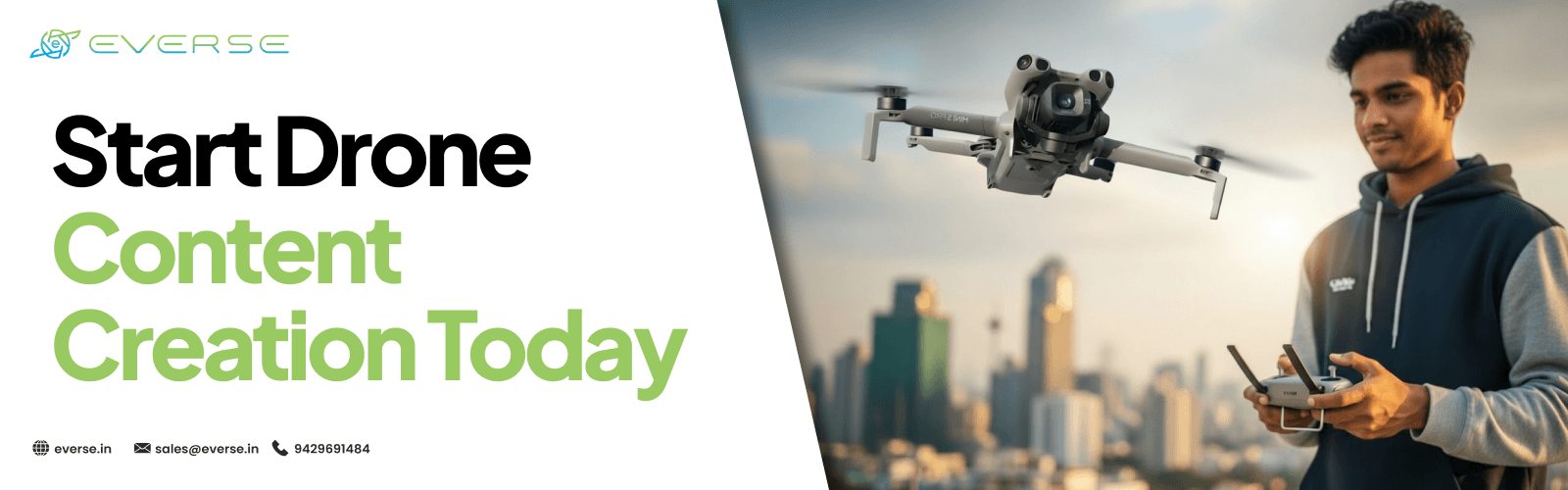
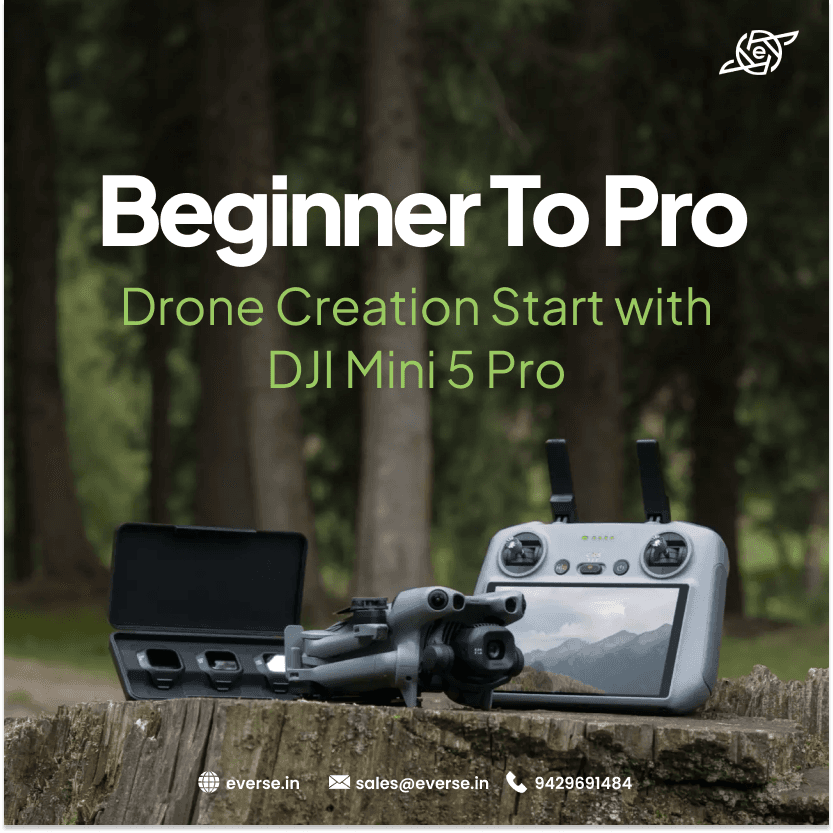
Beginner to Pro: How DJI Mini 5 Pro Helps You Start Drone Content Creation
Starting something new always feels confusing.
You want to create content.
You see others making cinematic videos. You wonder where to begin. Drone content creation looks complex from the outside.
But it becomes simple when you use the right tool. The DJI Mini 5 Pro makes it easier for beginners to start filming and grow step by step. You do not need a big setup.
You do not need advanced skills on day one. You just need a clear approach.
People want visual content. Not just photos. They want movement.
They want storytelling. Drone videos stand out because they show things differently. Creators use drones for:
-
travel videos
-
reels and shorts
-
event coverage
-
daily vlogs
-
brand content
Even beginners can now create content that looks professional.

Many beginners quit because tools feel complicated. DJI Mini 5 Pro keeps things simple. It helps you start quickly with:
-
easy controls
-
stable video output
-
intelligent flight modes
-
compact and portable design
-
vertical video support
You can focus on creating instead of learning complex settings.
Do not try everything at once. Start with simple shots.
Fly the drone slowly forward. This works well for:
-
roads
-
open fields
-
city streets
This shot teaches control.
Lift the drone slowly upward. This creates:
-
wide landscape views
-
dramatic reveal effect
It is simple but powerful.
Sometimes the best shot is no movement. Just hover and record:
-
sunsets
-
city lights
-
peaceful scenes
This builds confidence.
You do not need complex settings in the beginning. Start with these:
|
Setting |
Recommended Value |
|
Resolution |
4K |
|
Frame Rate |
30fps |
|
ISO |
100 |
|
Shutter Speed |
1/60 |
|
Mode |
Auto or Normal |
Once you are comfortable, you can switch to manual.
Many beginners make the same mistakes. Avoid these early:
-
flying too fast
-
making sudden movements
-
changing settings too often
-
ignoring battery level
Keep things simple.
Growth comes from consistency. Follow this simple path:
-
practice daily short clips
-
learn one shot at a time
-
study other creators
-
edit your videos regularly
Improvement happens gradually.
Content creation is competitive. But there is still space for new creators. People connect with real content.
Not perfect content. Starting early helps you learn faster. With tools like DJI Mini 5 Pro, the barrier to entry is lower than ever.
You do not need everything to be perfect. Start small, Capture simple shots and Improve gradually. The DJI Mini 5 Pro helps you turn your first videos into something meaningful. And over time, those small clips can grow into something much bigger.