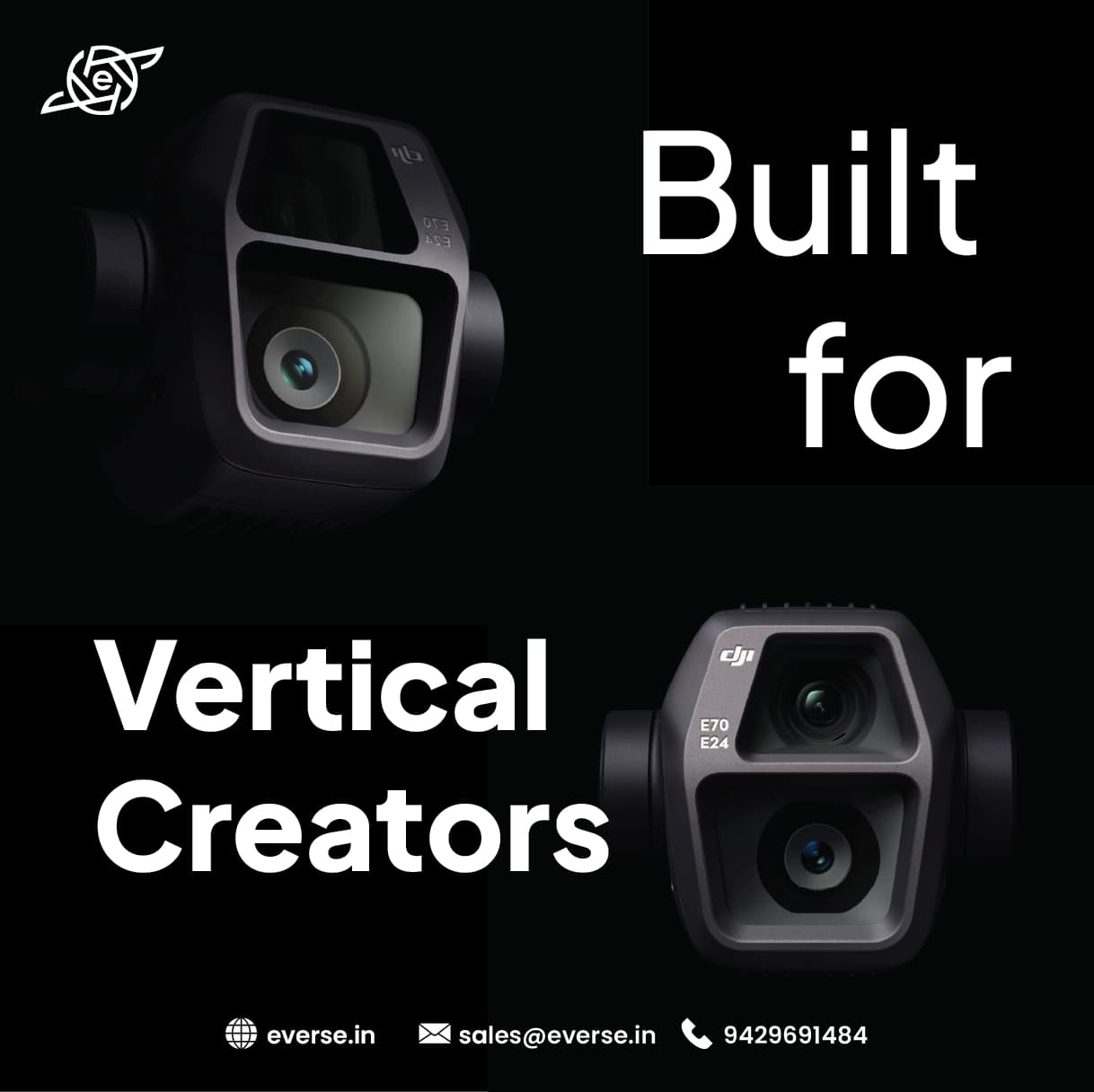
DJI Air 3S Portrait Shooting Tips for Reels & Shorts
Short videos rule attention today. Reels Shorts Vertical stories. You need:
-
quick framing
-
clean subject focus
-
smooth motion
DJI Air 3S helps you shoot vertical content that feels natural, not cropped.
People watch on phones. Not on wide screens. Vertical video:
-
fills the screen
-
holds attention longer
-
feels personal
DJI Air 3S supports vertical shooting without ruining image quality.
Do not rely on post-cropping. It kills resolution. DJI Air 3S allows:
-
proper vertical framing
-
clean composition
-
better subject placement
Your footage looks sharp even after upload.
DJI Air 3S dual camera options. Each one serves a purpose.
Use medium tele when:
-
filming people
-
shooting lifestyle content
-
isolating subject from background
Use wide lens when:
-
showing environment
-
adding context
-
filming travel moments
Portrait content feels better when background stays controlled.
Fast drone movement breaks short videos. Slow motion keeps viewers watching. For Reels and Shorts:
-
gentle push forward
-
slow side movement
-
smooth reveal
Let the subject stay centered. Let the movement support the story.
Portrait content is about people Keep:
-
face in upper center
-
headroom balanced
-
body visible
Avoid placing subject too low. Mobile screens crop aggressively.
Natural light works best.
Shoot:
-
early morning
-
late evening
Avoid:
-
harsh noon shadows
-
backlight without exposure control
Soft light makes skin tones look clean.
DJI Air 3S tracking helps when you shoot alone.
It:
-
keeps you in frame
-
adjusts movement smoothly
-
saves retakes
This is useful for:
-
fitness creators
-
travel vloggers
-
solo influencers

|
Setting |
Recommendation |
|
Video Orientation |
Native Vertical |
|
Frame Rate |
30 fps or 60 fps |
|
Color Profile |
Standard or D-Log |
|
ISO |
Keep as low as possible |
|
Shutter |
Balanced for motion |
|
Tracking |
Enable for moving subjects |
Avoid:
-
fast spins
-
sudden altitude change
-
over-zooming
-
heavy color grading
Short videos need clarity, not drama.
This drone fits you if:
-
you create Reels or Shorts
-
you shoot people-focused content
-
you want vertical quality without compromise
If your content is long cinematic films, portrait mode matters less.
Think like a viewer. Not like a pilot. Keep it simple. Keep it steady. Keep it human. DJI Air 3S gives you the tools. Your story gives it meaning.